Installing KOReader on my Kobo
Published on January 3, 2026.

In 2016, I brought a ereader Kobo Aura One when it was released because, for a long time, I wanted a reader with screen larger than 6-inch.
10 years later, I still own my Kobo Aura One. The hardware works as if it was new. Unfortunately, the device is officially discontinued by Rakuten. The latest supported firmware is 4.38.23555 from November 2025 (based on https://pgaskin.net/KoboStuff/kobofirmware.html).
The best thing about “old” hardware is that, probably, many people already managed to modify it. This is the case for the Kobo Aura One.
One popular modification to Kobo is replace the official graphical user interface, called Nickel, with KOReader or Plato. Another popular mofification is to replace the the operating system (OS) with Quill OS. Because Quill OS does not support Kobo Aura One, I was limited to install KOReader.
Installation
The installation of KOReader on Kobo devices is documented at the project’s wiki. I followed the “semi-automated installation method” described on MobileRead Forum and the process was very fast.
Usage
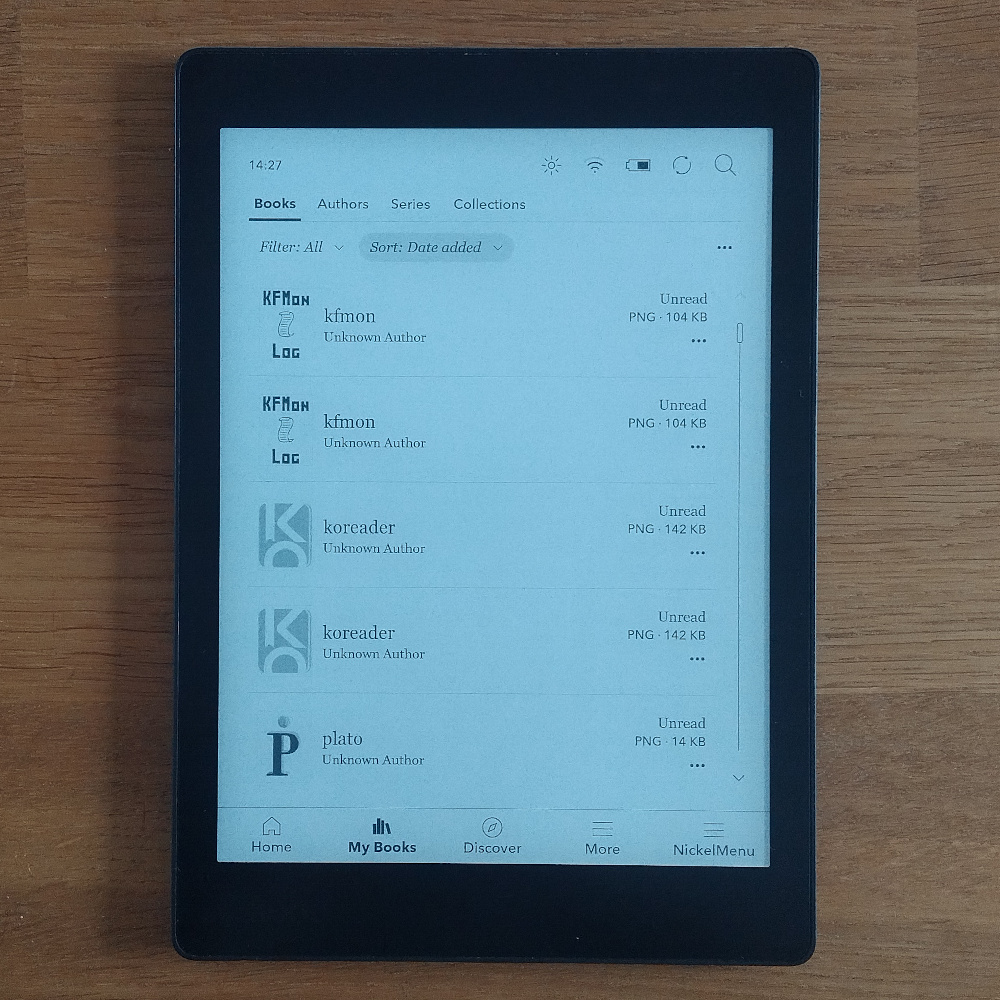
After the installation, KOReader can be accessed using the NickelMenu at the bottom right corner or the KOReader “book” in the user library (powered by KFMon).
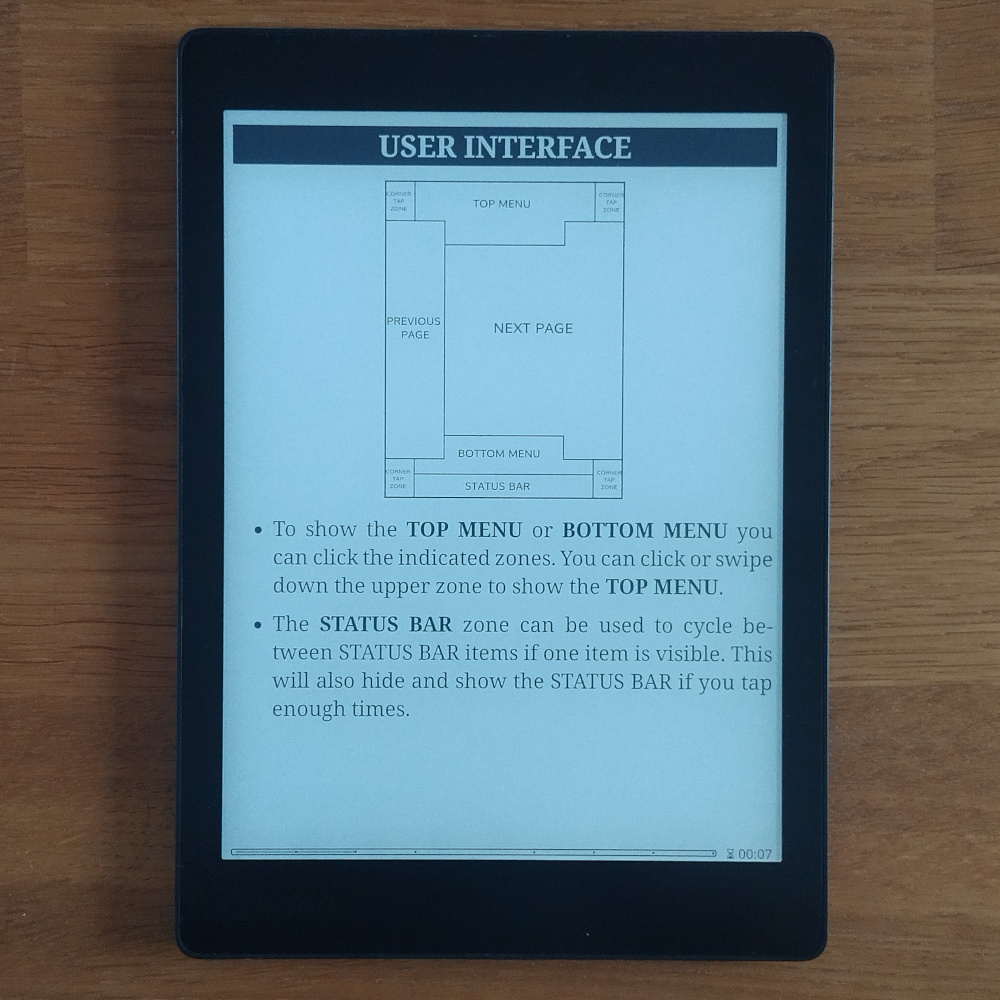
KOReader has a minimalist interface with some specific regions of the screen assigned to specific actions, this is documented in the manual section “Tap zones”.
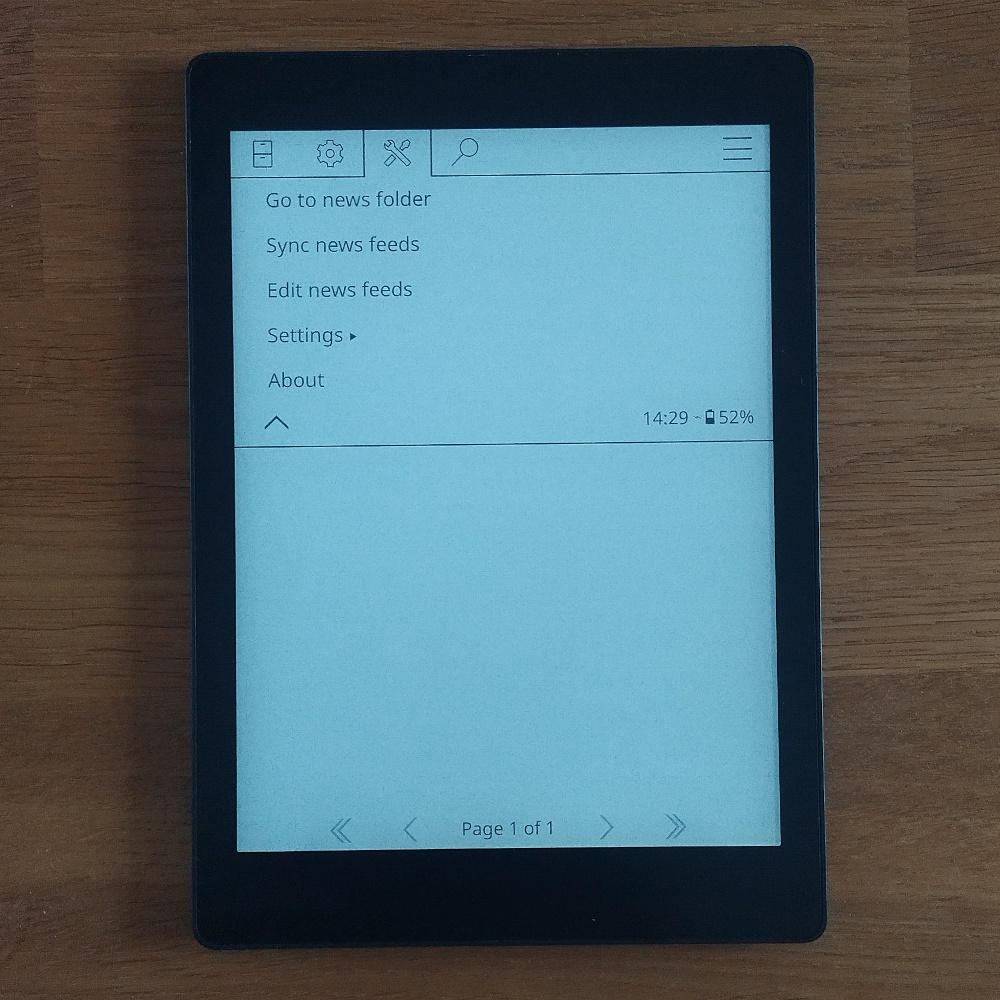
RSS
KOReader is provided with some default plugins, including News Downloader that transforms Kobo in a powerful news aggregator.
Tags: